Here's what's new & exciting on my site.
Complete Portfolio & Personal Dashboard Feature Overview
I published a complete feature breakdown for both the public portfolio and the personal dashboard.
Portfolio Features
- Home page with animated intro, bento cards, and responsive layouts
- About page with story sections, media blocks, and profile highlights
- Experience journey timeline with role history and impact sections
- Projects page with featured projects, GitHub repository data, and filters/sorting
- Blog platform combining portfolio posts + Dev.to content with:
- Search, tag/source/reading-time filters, grid/list layouts, and pagination
- Rich article pages with reactions, view counter, audio/text-to-speech, table of contents, related posts, and share actions
- Toolbox page for software and hardware stacks
- Connections page for network profiles
- Community Wall with note cards, infinite canvas exploration, and GitHub discussions
- Hire Me page with service sections and dynamic skills
- Meeting scheduler with guided flow + Cal.com link
- Resume page with live PDF preview and one-click download
- Links page for social/contact shortcuts and featured content
- Changelog timeline for release updates
- Newsletter subscribe, confirm, and unsubscribe flows
Personal Dashboard Features
- Role-aware Dashboard Command Center with quick actions, visibility-aware metrics, and workspace shortcuts
- Profile Information management for resume/about/hire-me/experience content
- Toolbox Management (create, edit, delete, list/card views)
- Project Management with GitHub repo linking, drag-drop ordering, filters, and list/card views
- Blog Publishing Studio for portfolio + Dev.to sync and operations
- Dedicated blog editor with auto-save, preview, and multi-target publish (Portfolio, Dev.to, Medium)
- Blogsletter subscription management with status filters and CSV export
- Analytics dashboard with visitors, page views, top pages, session tables, pagination, and CSV export
- Community Wall notes management
- Connections management
- Find a Job manager with AI email generation, recipient handling, provider selection (Resend/SMTP/PHP), and delivery tracking
- DevOps tunnel manager for Cloudflare/local service mappings
- Personal Wiki with markdown editing, templates, search/tree navigation, pin/recent docs, SQL preview, and document history
- Scripts tab for admin scripts (copy, download, run)
Settings & Access Controls
- Settings overview with stats and quick actions
- Theme presets + custom color configuration applied across the site
- Access matrix for role-based sidebar/quick-action visibility
- Role management and admin bootstrap
- User management with role assignment/removal
- Secure Pages manager for visibility controls, authorized emails, and custom secure-page source
- Notification preferences for role/security/storage/system events
- Data & storage controls (Supabase/MariaDB backend selection, size threshold, Redis status/caching visibility)
Listen to Select Articles
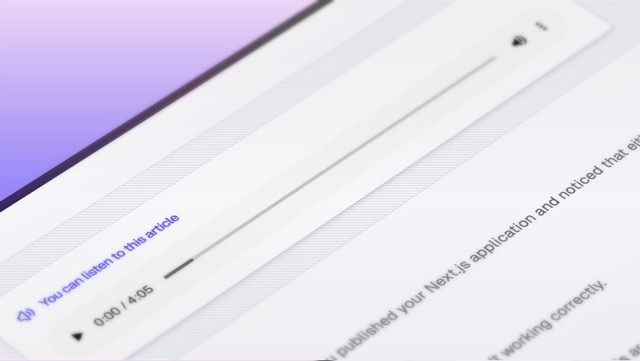
My blog now offers AI-powered audio narrations for select articles. Listen to articles in a natural voice, making content more accessible and convenient for readers on the go.
More articles with audio playback coming soon!
New ways to connect with Article Reactions! ✨
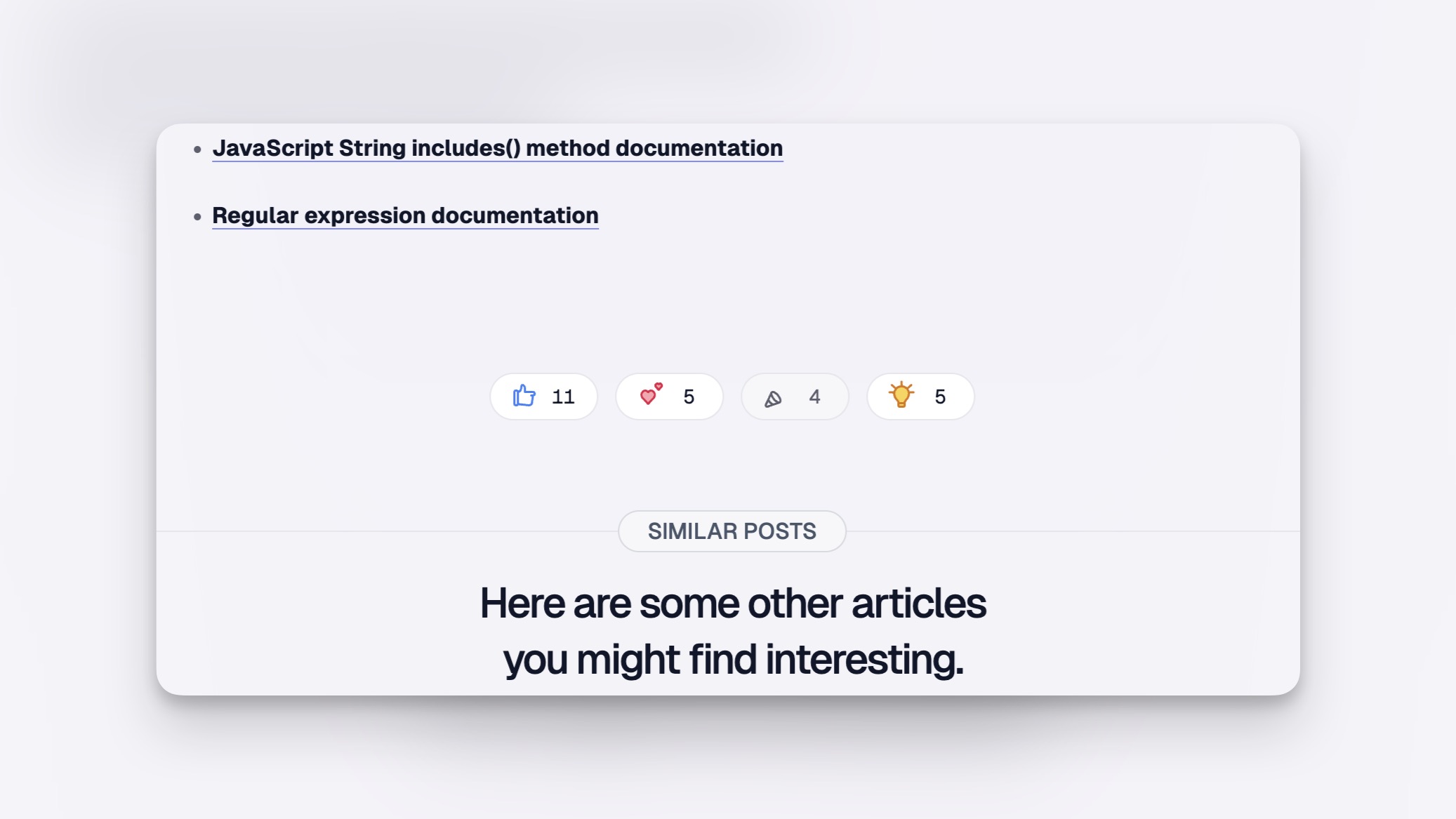
I've added a built-in reaction system to my blog! It adds a social dimension and lets readers engage with content in a fun way.
I've selected four distinct reactions: Like, Love, Celebrate, and Insightful. Each comes with its own custom icon and subtle micro-interaction for that extra polish.
These small details make the reading experience more engaging while letting readers share their thoughts with just a click.
Article hit count is now live!
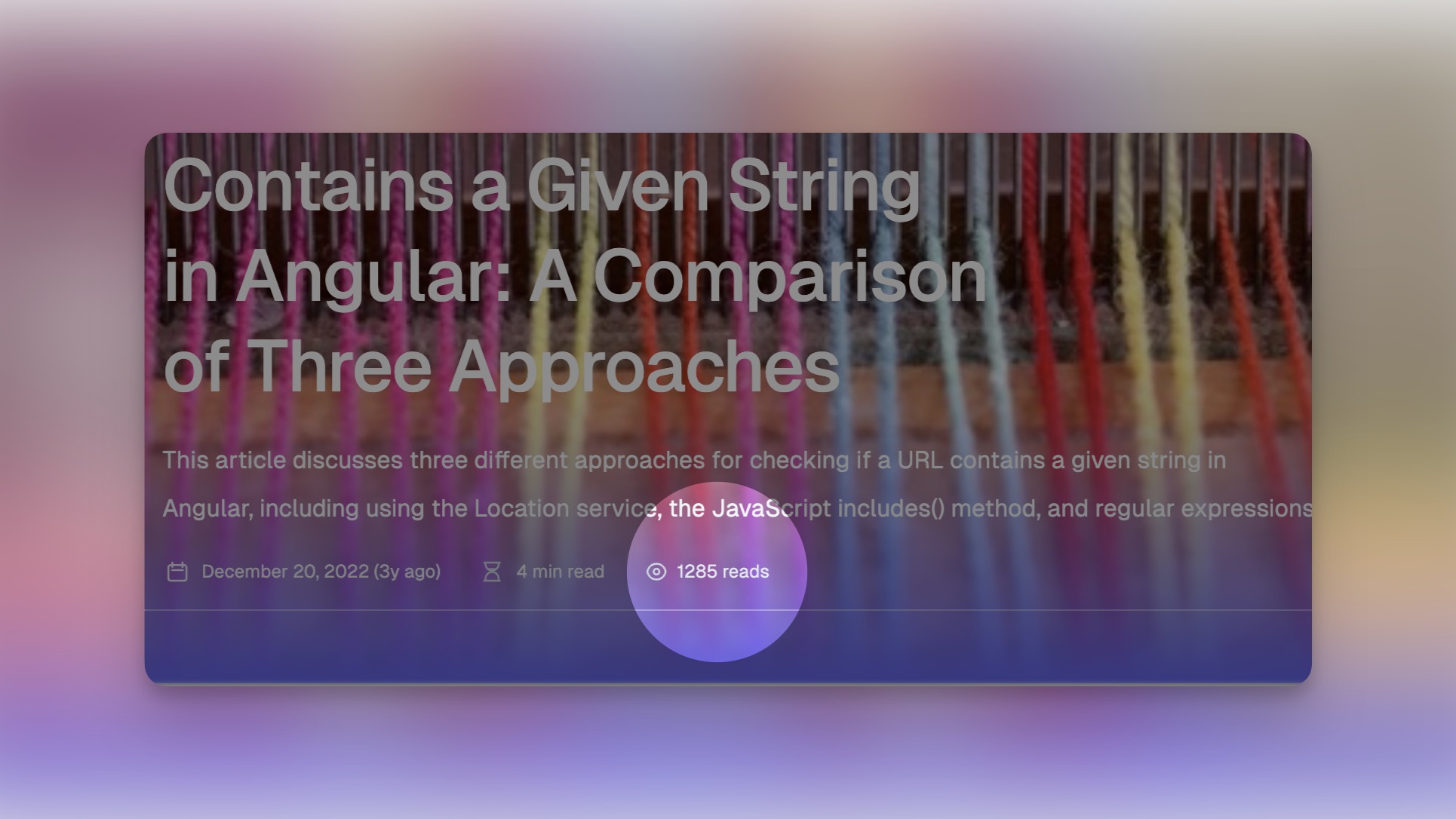
I've added a read counter to track article views across my blog. Though simple to implement, this little feature breathes life into each page, adding that extra touch of personality.
Behind the scenes, it runs on Supabase paired with Next.js Server Actions and React Suspense—a lightweight solution with a noticeable impact.
Interactive Code Playgrounds Added!
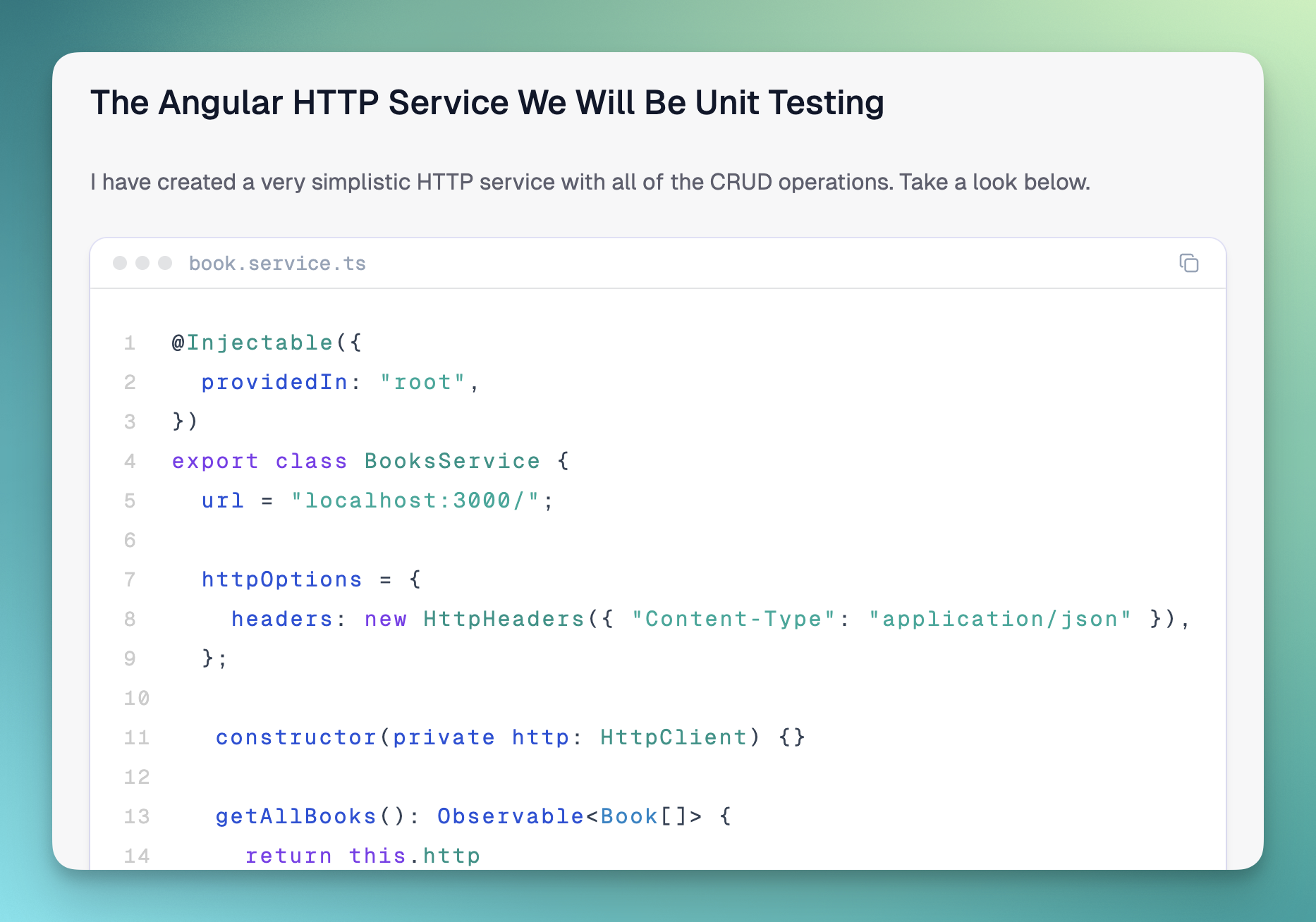
I've added interactive code playgrounds to my blog! Now readers can follow along with code examples directly in the articles, making technical tutorials more engaging and hands-on.
Try the example below to see how it works!
<!DOCTYPE html>
<html lang="en">
<head>
<meta charset="UTF-8">
<meta name="viewport" content="width=device-width, initial-scale=1.0">
<title>JAMstack Logo</title>
<link rel="stylesheet" href="styles.css">
</head>
<body>
<div class="container">
  <div class="jam__circle">
    <div class="jam__squares">
      <div class="jam__squares-top">
        <div class="jam__squares-top-right"></div>
      </div>
      <div class="jam__squares-bottom">
        <div class="jam__squares-bottom-left"></div>
        <div class="jam__squares-bottom-right"></div>
      </div>
    </div>
  </div>
</div>
</body>
</html>
Community Wall Feature Added
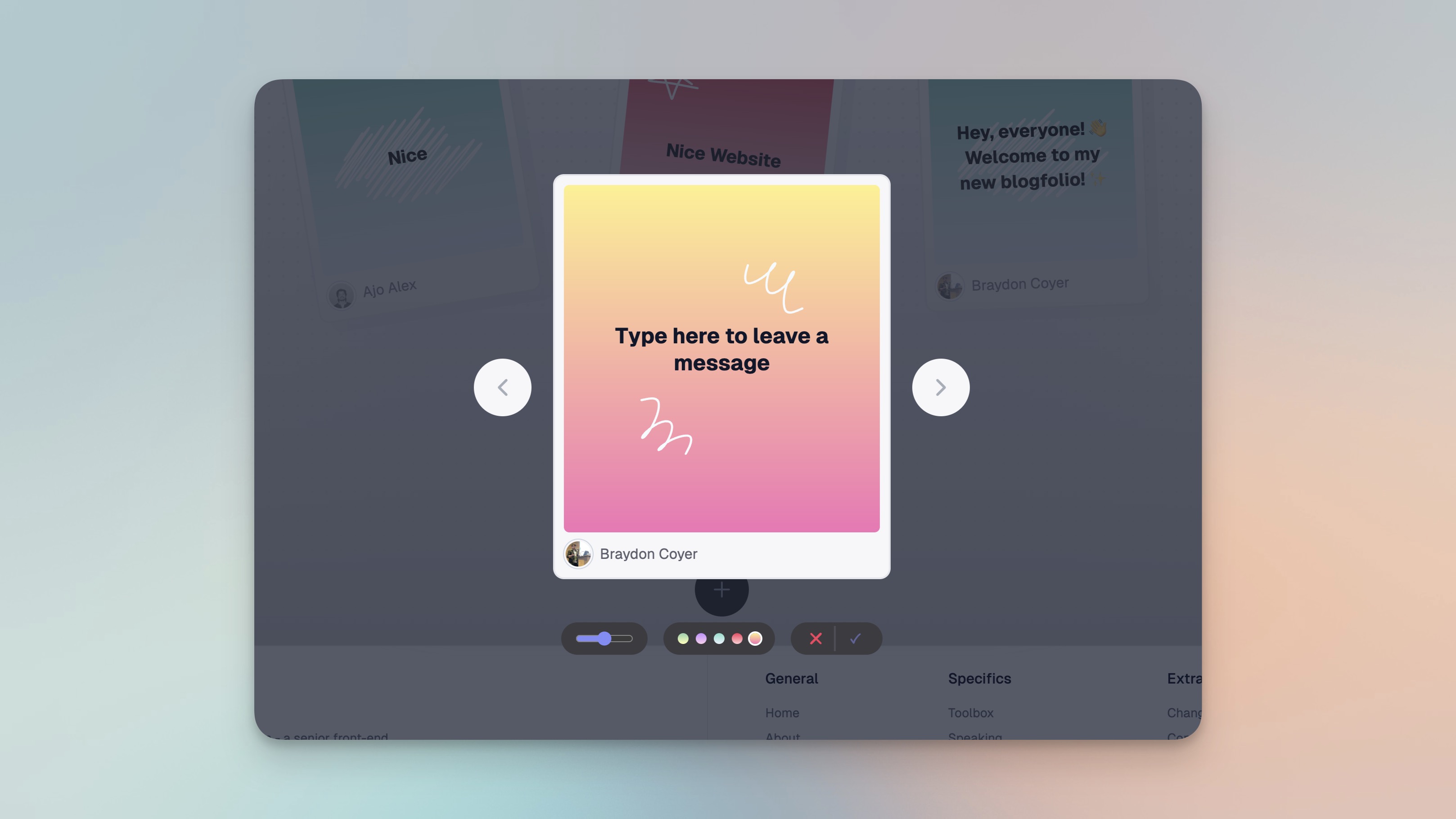
I've added an interactive Community Wall to my website! Visitors can leave messages, share thoughts, or just say hello on an infinite canvas.
The feature includes a beautiful drag-to-explore interface on desktop and a clean grid layout on mobile. It's a fun way to connect with visitors and build community around my work!
New Homepage Animations
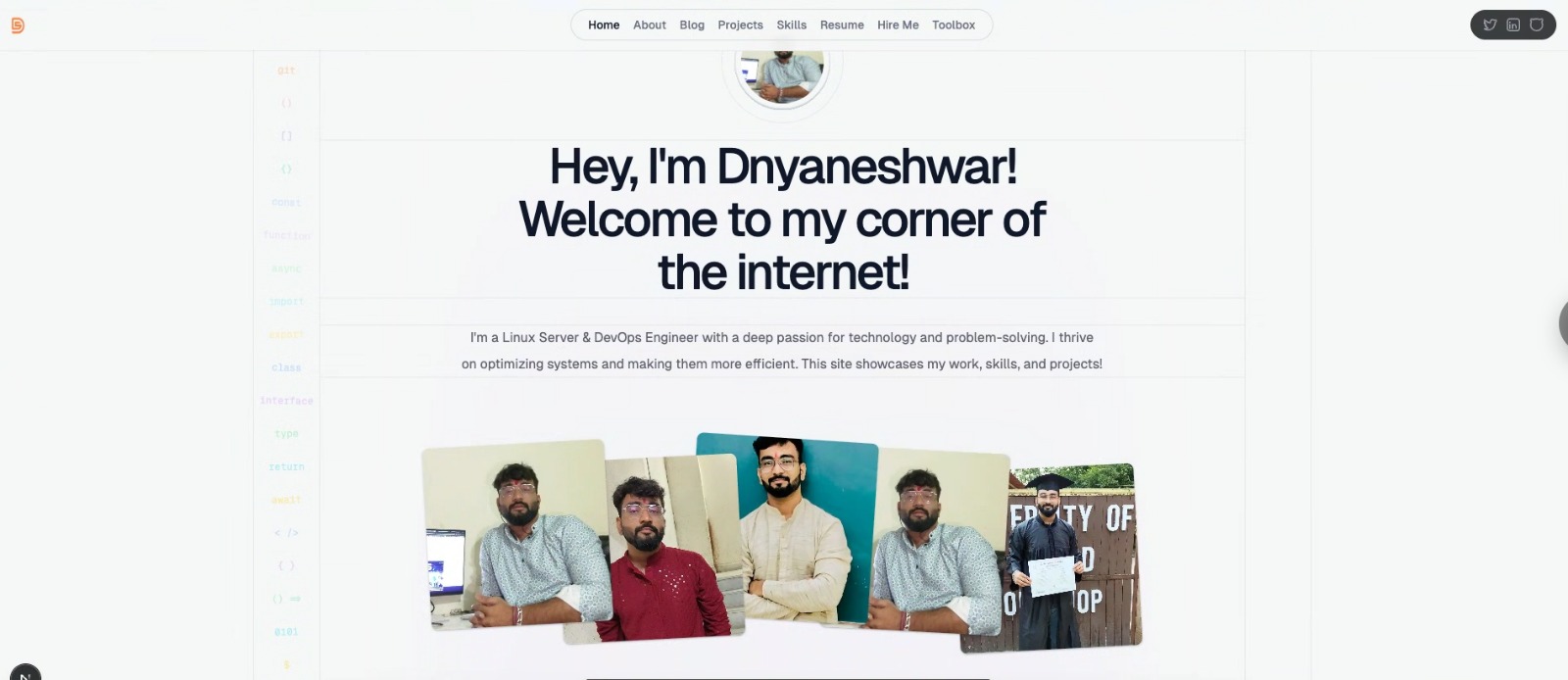
I've added smooth, tasteful animations throughout the homepage to bring the site to life without being distracting.
The profile picture now eases in smoothly, text elements fade up with a slight delay, and my favorite part - the photo gallery now fans out in sequence when it appears. I aimed for that sweet spot between subtle and engaging, adding just the right amount of polish without distracting from the content.
Website Redesign Complete!
I've completed a major redesign of my portfolio website! The new version features a clean, modern layout with Bento-style cards, smooth animations, and improved user experience.
Key features include interactive elements like the Community Wall, Connections page, improved code blocks, article reactions, and a fully responsive design. Built with Next.js 15, Tailwind CSS, Supabase, and Framer Motion for a fast and engaging experience.
Redesigned Code Blocks
I've completely redesigned how code blocks appear in my blog posts. The new code blocks feature a sleek, modern design with a subtle shadow and improved readability.
You can easily copy code snippets with one click and see the filename displayed at the top of each code panel. This makes it much easier for readers to follow along with technical tutorials and examples.
Visual Improvements and Interactive Dnyan Cards
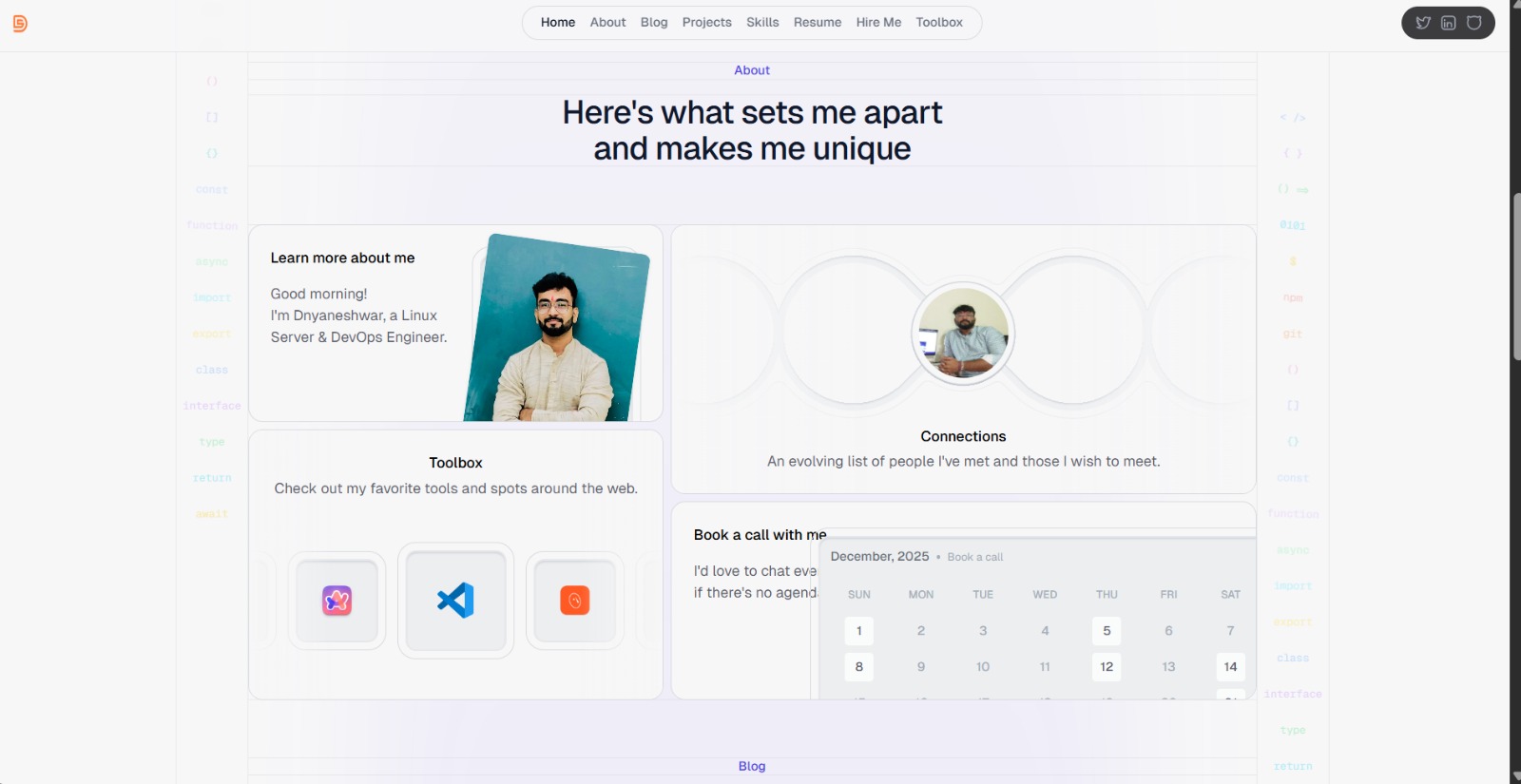
This update includes exciting visual enhancements! I've fine-tuned the maximum width for article text, ensured consistent spacing between elements and page sections, and added interactivity to my bento cards using Framer Motion.
The homepage now features interactive Bento-style cards that showcase different sections of my portfolio, including About, Connections, Toolbox, and more. I've also incorporated smooth page transition effects throughout the site.
Connections Page Launched
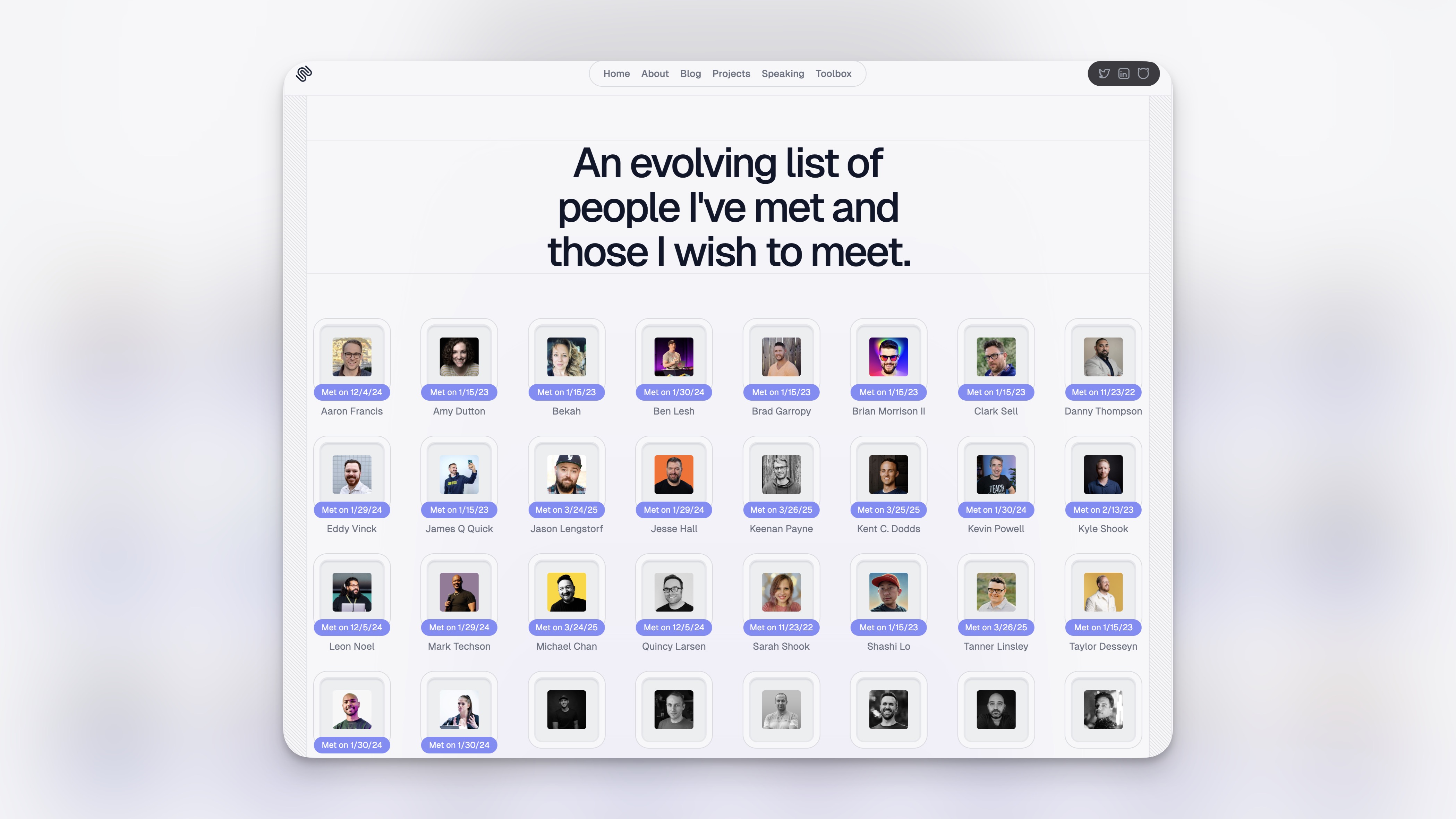
I've launched my Connections page! This page showcases the amazing people I've met in tech and includes a list of those I'd love to connect with.
I've implemented smooth animations that reveal "Met on" dates when hovering over contact cards, creating an interactive and engaging experience. The page highlights the wonderful community I'm part of!
Portfolio Website Launched!
I've launched my personal portfolio website! This site showcases my work as a Linux Server & DevOps Engineer, featuring my projects, blog posts, skills, and professional experience.
The site includes a modern design with Bento-style cards, smooth animations, and interactive elements like the Community Wall and Connections page.
Subscribe to my blogsletter
A periodic update about my life, recent blog posts, how-tos, and discoveries.
NO SPAM. I never send spam. You can unsubscribe from blogsletter at any time!

I'm Dnyaneshwar - a Linux Server & DevOps Engineer. Thanks for checking out my site!
© 2026 Dnyaneshwar Shekade